True Remote for Apple TV
An Apple TV remote for your Android phone.
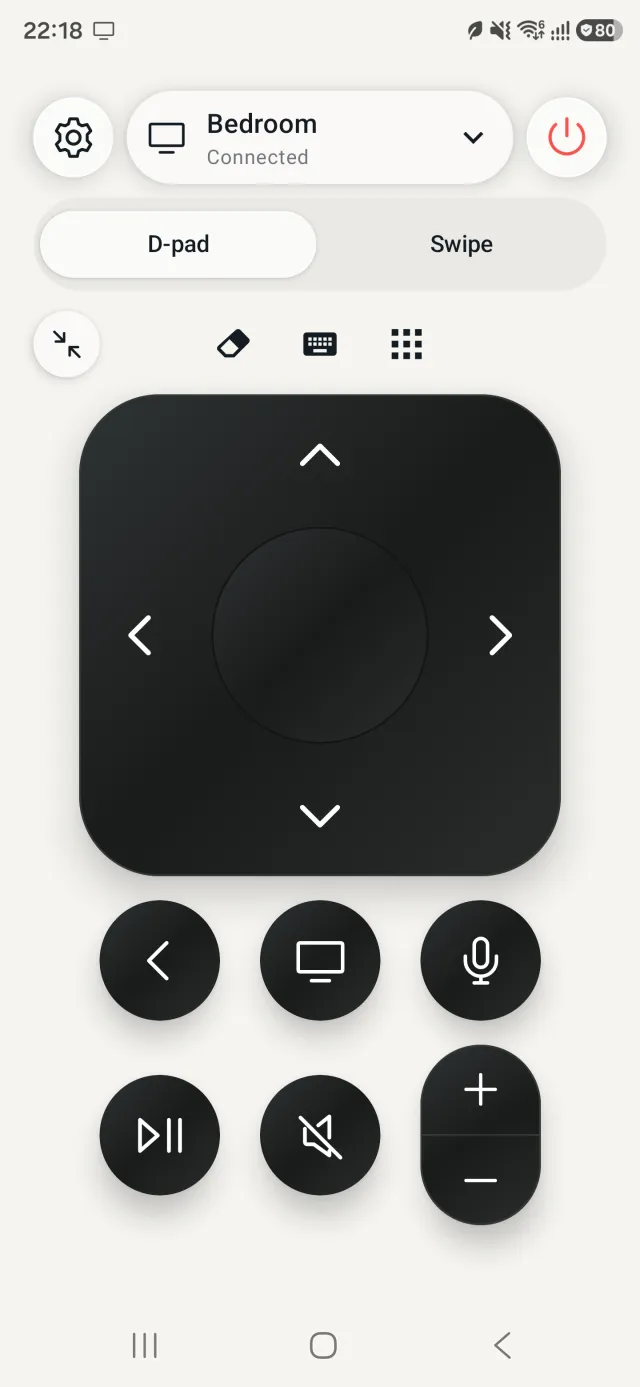
True Remote for Apple TV is a free Apple TV remote app for Android phones. It controls your Apple TV over Wi-Fi, with press and hold that works like the real Siri Remote. No IR blaster, account or extra hardware needed.
Free with ads; Premium is optional. Android 10 or later. Works with Apple TV 4K and Apple TV HD.
Why True Remote
-
Press and hold works
Hold a button like you would on the Siri Remote to rearrange and delete apps on the Apple TV home screen. Most other remote apps can’t do this. It’s in the free version.
-
No weekly subscription
The remote is free with ads. Premium is optional: $9.99/year, $1.79/month, or $17.99 once for life.
-
Nothing else to set up
It works over Wi-Fi. No IR blaster, no extra hardware, no account and no app on the TV.
How it works
-
Install
Get True Remote from Google Play. Your phone and Apple TV need to be on the same Wi-Fi network.
-
Pick your Apple TV
Open the app and choose your Apple TV from the list.
-
Type the PIN
Type the 4-digit PIN shown on the TV. You’re connected.
More screens
Free vs Premium
| Feature | Free | Premium |
|---|---|---|
| Arrow buttons with OK, Back, Home and play/pause | Yes | Yes |
| Volume, mute and power | Yes | Yes |
| Press and hold, like the Siri Remote: rearrange and delete apps on the Apple TV home screen | Yes | Yes |
| Apple TVs you can control | One | Multiple |
| Voice dictation: search for shows, films and apps by speaking | No | Yes |
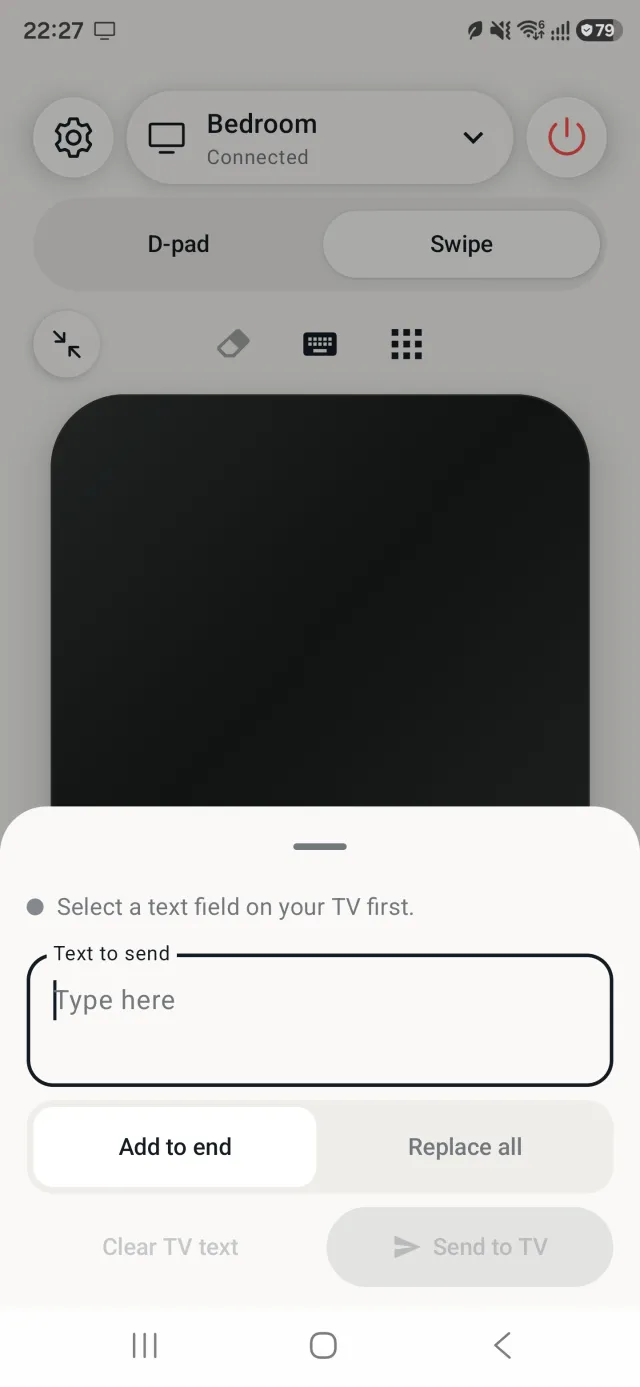
| Phone keyboard: type searches and passwords, and clear text with one tap | No | Yes |
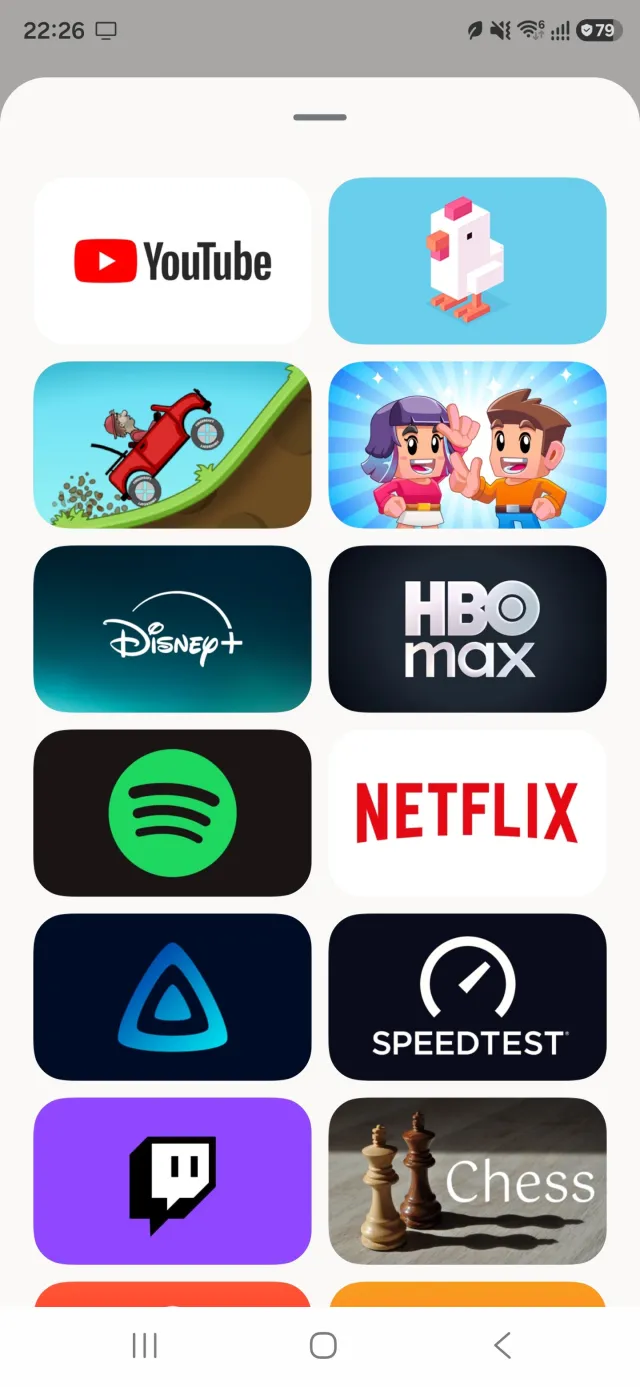
| Quick launch: open Apple TV apps from the phone | No | Yes |
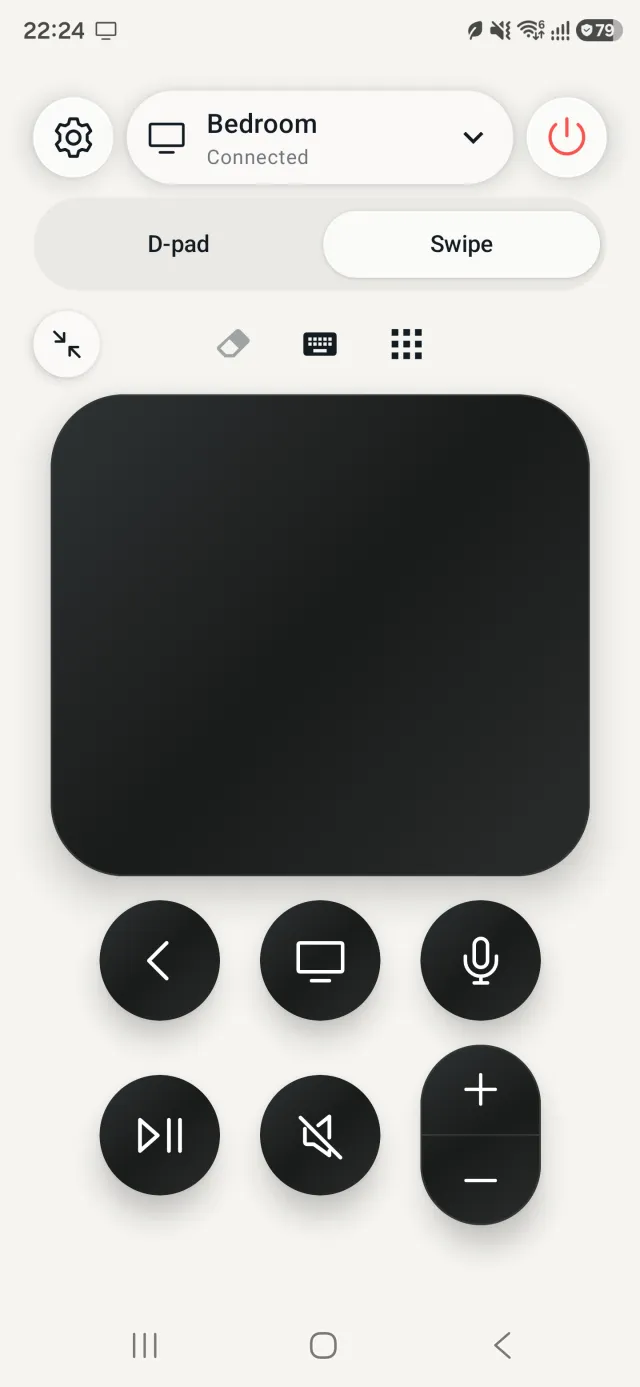
| Touch pad: swipe and click, like the Siri Remote touch surface | No | Yes |
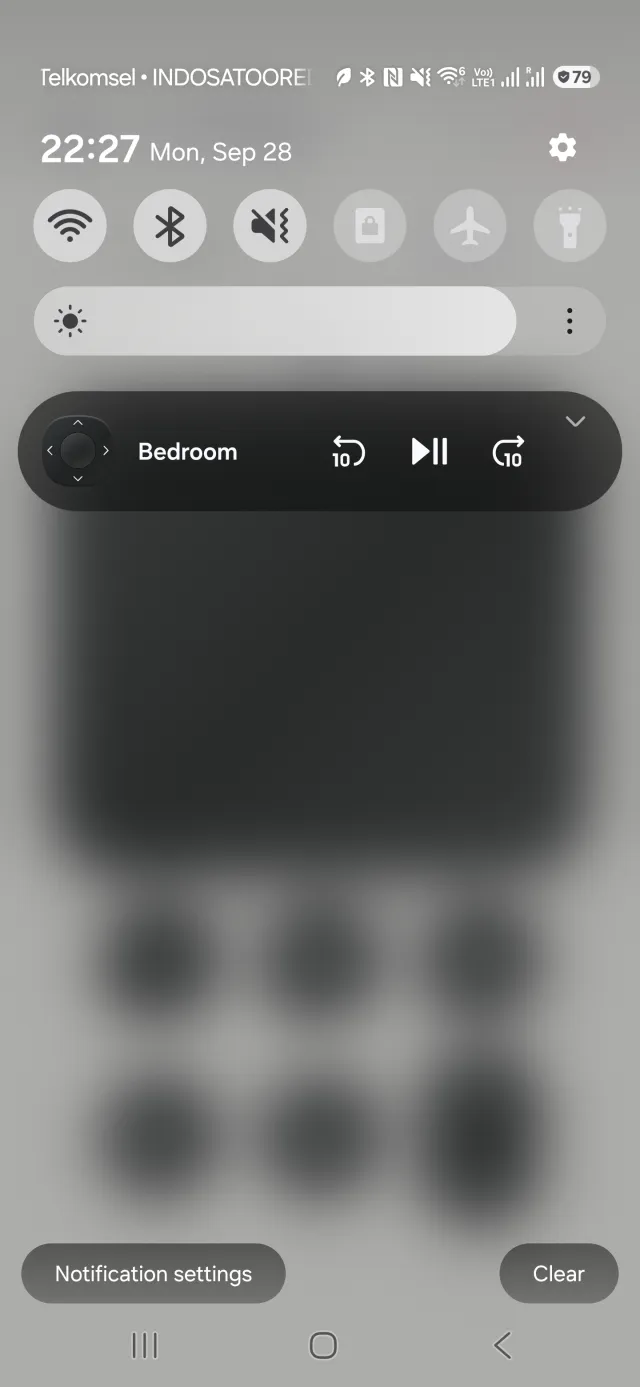
| Lock screen and notification controls (play/pause) | No | Yes |
| Ads | With ads | No ads |
| Price (US) | Free | $9.99/year (about $0.83/month), $1.79/month, or $17.99 once for life |
No weekly plans. Monthly and yearly start with a 7-day free trial for new customers. Prices in EUR and GBP use the same numbers. Local prices are shown in the app.
Voice dictation types what you say into the TV’s text field. It isn’t Siri and doesn’t run voice commands.
Questions
Is there a free Apple TV remote for Android?
Yes. True Remote for Apple TV is a free Apple TV remote app for Android phones. The free version has arrow buttons with OK, Back, Home and play/pause, volume, mute and power, and press and hold like the Siri Remote. It controls one Apple TV and shows ads.
Can I control my Apple TV without the Siri Remote?
Yes. True Remote controls your Apple TV from your Android phone over Wi-Fi. Your phone and Apple TV need to be on the same Wi-Fi network.
Does it support press and hold, like moving or deleting apps?
Yes, in the free version. Press and hold works like the Siri Remote, so you can rearrange and delete apps on the Apple TV home screen.
Does it need an IR blaster?
No. True Remote works over Wi-Fi. It needs no IR blaster, no extra hardware, no account and no app on the TV.
Which Apple TV models does it work with?
Apple TV 4K and Apple TV HD.
Which Android phones does it work on?
Android phones running Android 10 or later.
How much does Premium cost?
Premium is optional. In the US it costs $9.99/year (about $0.83/month), $1.79/month, or $17.99 once for life. Prices in EUR and GBP use the same numbers. There are no weekly plans. Monthly and yearly start with a 7-day free trial for new customers. Local prices are shown in the app.
Does it need an account?
No. There is no account or sign-up. Pairing stays on your phone.
Why can't it find my Apple TV?
Check that your phone and Apple TV are on the same Wi-Fi network. Guest networks and routers with “client isolation” turned on block the connection. You can also enter the Apple TV’s IP address by hand. You can find it on the Apple TV in Settings → Network.
Is True Remote made by Apple?
No. True Remote is developed independently by SNOR LTD and is not affiliated with or endorsed by Apple Inc. Apple TV and Siri Remote are trademarks of Apple Inc.
Get True Remote
Want to try it first? Open the interactive demo on our homepage.